This podcast highlights issues in recovering data from various storage devices. We explore opportunities provided by our data recovery algorithms and offer useful tips to prevent data loss.
Listen to episodes
28 recent
February 1, 202412 min
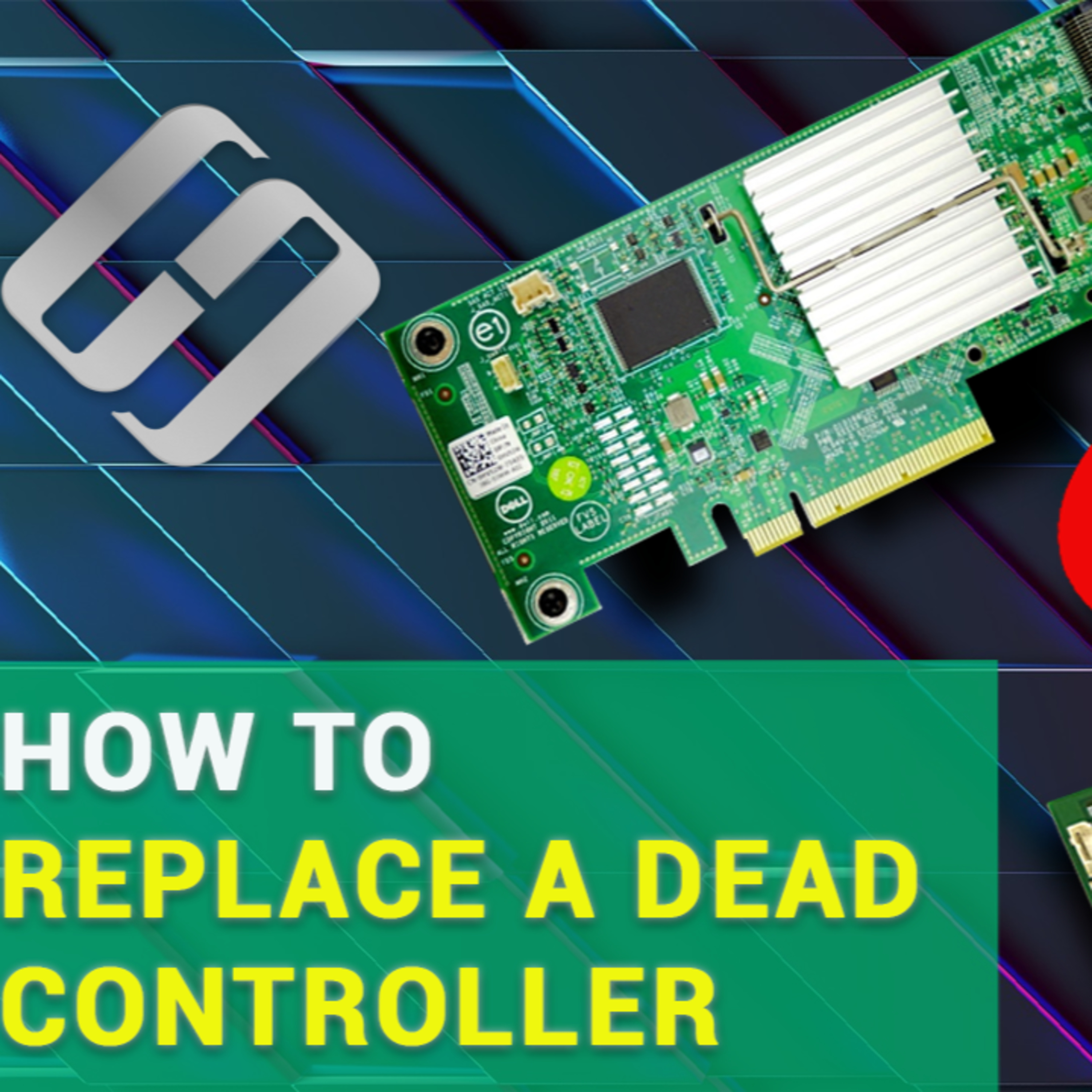
How to Replace a RAID Controller without Losing Data
How to replace a dead controller without losing data. How to import an external configuration, replace the controller with a different model, and how to extract information from disks of a RAID system when the controller is missing. Text version: https://hetmanrecovery.com/recovery_news/how-to-replace-a-non-working-raid-controller-without-losing-information.htm Video version: https://youtu.be/gqb4SPY3DKo?si=q4slH3psKJAOn7Vz
February 1, 20246 min
How to Create Software RAID in Windows Server 2019, 2016, 2012 or 2008
How to create a software RAID in Windows Server. In our previous videos, we explored what is RAID, how to build a computer for RAID systems, and how to create such a system using the BIOS features integrated into your motherboard. And today you’ll see how to create a software RAID in Windows Server operating system with a graphical interface. Text version: https://hetmanrecovery.com/recovery_news/creating-a-raid0-raid1-array-operating-speed-data-protect.htm Video version: https://youtu.be/RkZjx-1cVCM?si=4r1K0h3OH1AvMzd2
February 1, 20244 min
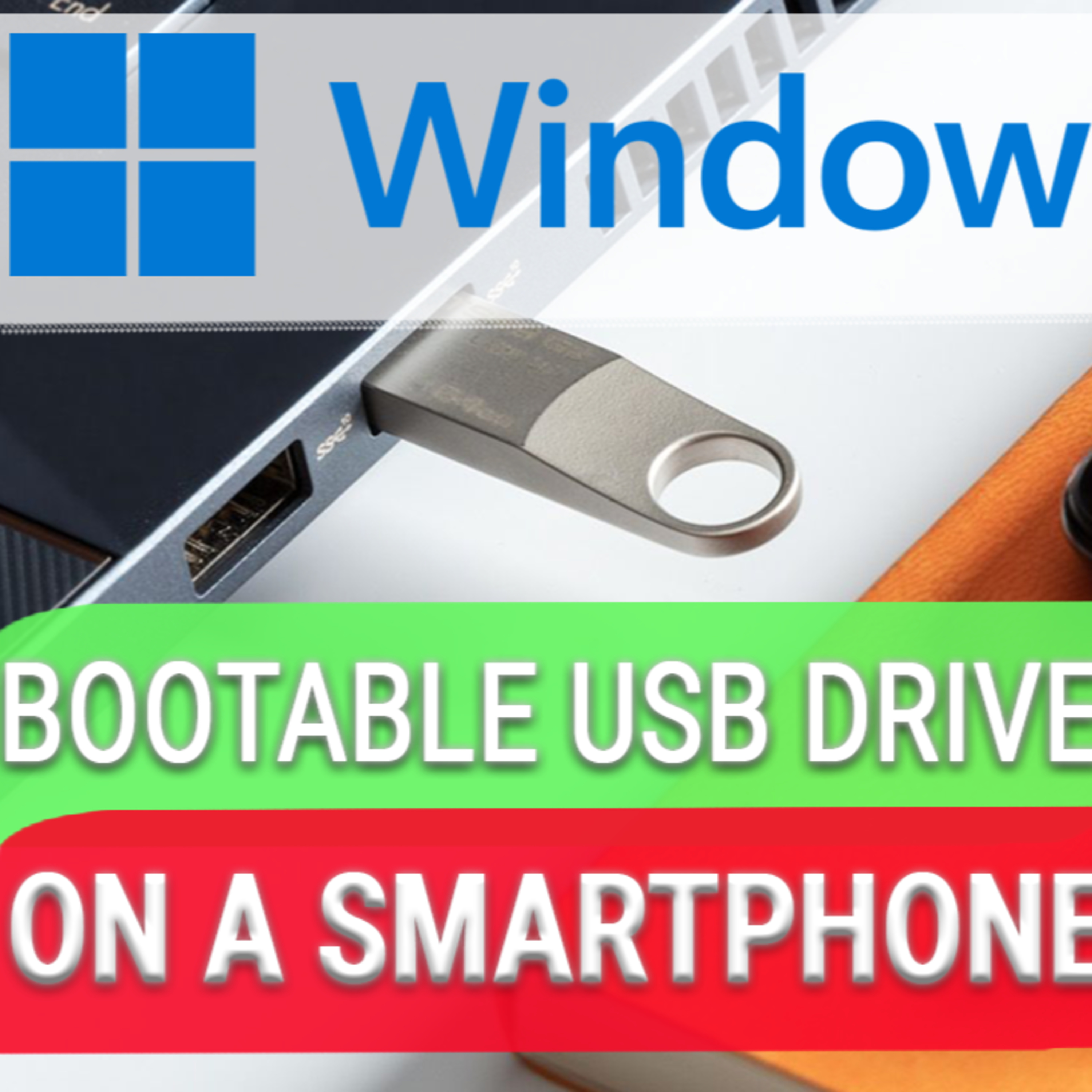
How to Create a Bootable USB Drive for Windows 11 on an Android Smartphone
How to create a bootable USB drive for Windows 11 with an Android smartphone. Problems with booting an operating system may appear out of the blue, and usually it happens at the most inappropriate moment. On the one hand, you may not have access to another computer at this particular moment, or there might be no bootable disk or USB drive at hand. On the other hand, you don’t feel like visiting your friends who live on the other side of the city... but you do have that portable gadget in your pocket! With an Android smartphone, you can easily restore the operating system of your computer. Text version: https://hetmanrecovery.com/recovery_news/how-to-create-a-bootable-usb-drive-for-installing-windows-11.htm Video version: https://youtu.be/3VcBo4QOOa8?si=nS2XeGDK1fN-etsX
February 1, 202415 min
How to Install and Configure a Postfix Mail Server with Dovecot on Linux Ubuntu
To find out how to install and configure a Postfix mail server with Dovecot. How to configure the mail server to prevent your emails from falling into the spam folder, how to add DNS entries such as SPF, DKIM and DMARC. Creating a mail server on Linux-based machines could be one of the most important things that every system administrator should do. If this is the first time you configure your server, you are going to face a lot of aspects that have to be considered during setup. In today’s video, I’ll take you through the initial server configuration. We’ll discover how to install a Postfix mail agent and a Dovecot mail server, and how to configure them for your emails to circulate properly. Postfix is a free and open-source MTA - mail transfer agent - that can be used to route and deliver electronic mail on a Linux system. Dovecot is a mail delivery agent created primarily with security in mind. I’ll show you how to configure it as an IMAP or POP3 server. Text version: https://hetmanrecovery.com/recovery_news/how-to-install-and-configure-postfix-mail-server-with-dovecot-on-linux-ubuntu.htm Video version: https://youtu.be/P5NeyiRPYiY?si=HnlXQuv4JCNKxWz0
January 29, 20246 min
How to Recover Data After Formatting a Hard Disk, USB Drive or a Memory Card
Today we’ll be talking about recovering data that has been removed as a result of formatting a hard disk, a USB pen drive or a memory card. When any of them is formatted, a part of the information which tells us how data is located on the disk gets destroyed. Nevertheless, in most cases it is quite possible to recover data after formatting. The chances for success depend on the file system type, the nature of data and the number of files, and it also matters what information and how much information was written on the disk after it was formatted. HERE’S A VERY IMPORTANT NOTICE!!! You mustn’t write any data or perform other operations involving a freshly formatted disk, because it greatly reduces the chances to recover anything! Text version: https://hetmanrecovery.com/recovery_news/how-to-recover-data-after-formatting-a-hard-drive-usb-flash-drive-or-memory-card.htm Video version: https://youtu.be/bEm5mjSAppk?si=xHlhiv_B6vQp-yrC
January 29, 20246 min
How to Recover Files and Folders After Sending Them to the Recycle Bin and Deleting?
Today we’re going to talk about recovering files which get deleted when you empty the Recycle Bin. (We all know that after deleting a file, Windows sends it to the Recycle Bin - a special folder for deleted files.) We will also explore the situation when data gets removed with the keyboard shortcut Shift + Del, that is, when the Recycle Bin is not used, and the files are removed irreversibly. Text version: https://hetmanrecovery.com/recovery_news/how-to-get-the-files-back-after-removing-and-cleaning-the-recycle-bin.htm Video version: https://youtu.be/eL9Y8TGBo3o?si=zkKlKEj-OJ-J7sUb
January 28, 202410 min
How to Move Installed Programs to Another Disk
If you think that you can pull a job by copying a folder with a program, pasting it to the other disk and use that program just as before – well, I’ve got bad news for you: things just don’t work that way. When you start the program after you have relocated it to another disk, you are going to see an error message instead. In this video, we will find out how to move a program or game to another disk and make sure they work without errors, no matter what their new location might be. Text version: https://hetmanrecovery.com/recovery_news/how-to-transfer-files-and-settings-to-another-pc.htm Video version: https://youtu.be/qbb3zjlv7Ck?si=5z4kki2m4rBjKcEH
January 28, 202414 min
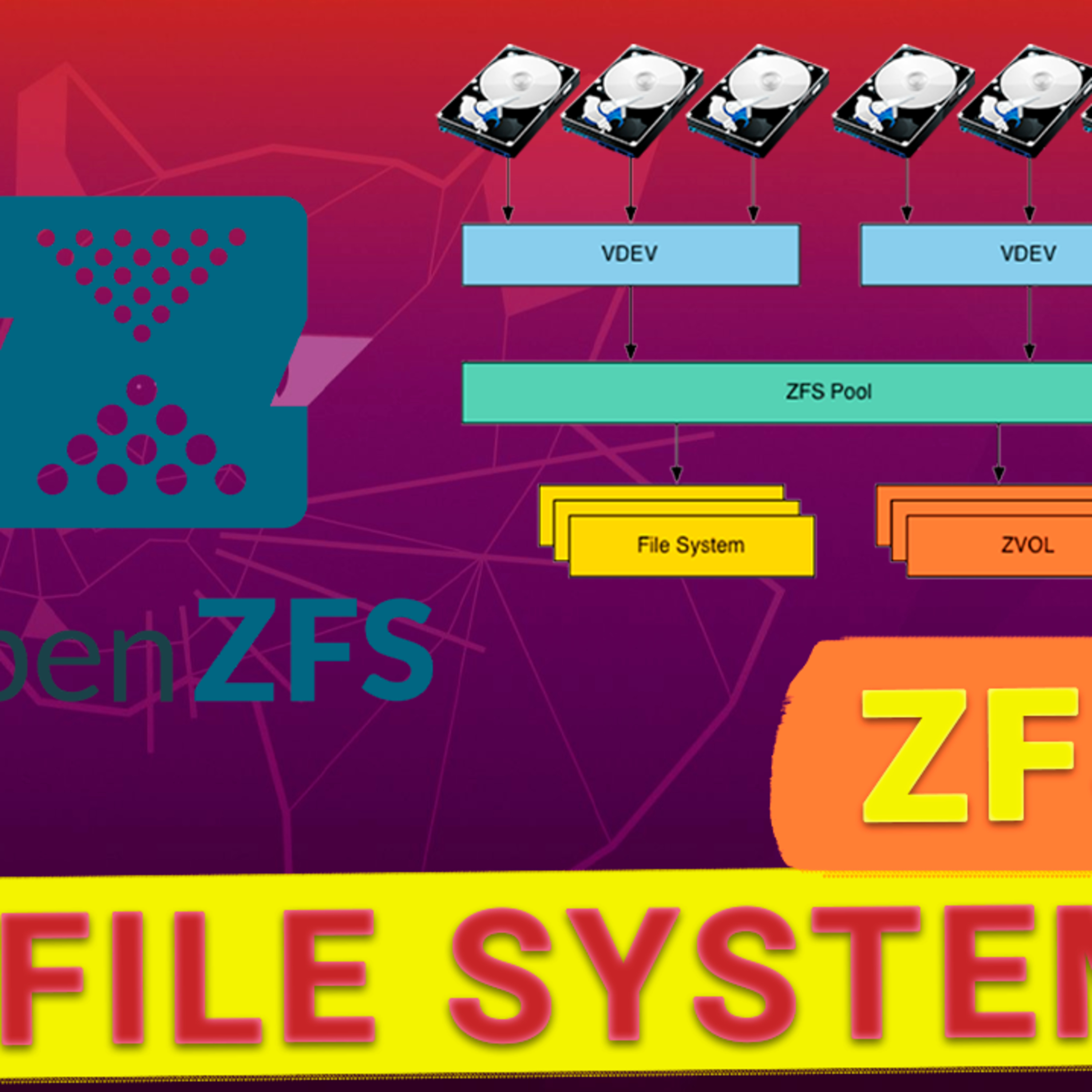
ZFS File System on Linux Ubuntu and Its Key Advantages
We will discuss ZFS file system, its structure, peculiarities, and downsides. ZFS or Zettabyte File System is a special file system initially created by Sun Microsystems for the operating system called Solaris. It supports huge amounts of data, combines the concepts of a file system, physical disk and volume manager, and offers simple management methods for storage volumes. It is a next generation file system initially designed for NAS solutions with improved security, reliability and performance. Unlike many other systems, ZFS is a 128-bit file system offering a virtually unlimited capacity. ZFS is an open-source project licensed under CDDL (Common Development and Distribution License). If you want to use ZFS out of the box, you’ll have to install either FreeBSD or an operating system using the illumos kernel (illumos is a fork of the OpenSolaris kernel). If you want to use ZFS on Ubuntu, you need to add the support features manually - but that’s a pretty easy thing to do and it involves running a few commands. We will explore it in detail a bit later, but now let’s talk about pros and cons of this file system. Text version: https://hetmanrecovery.com/recovery_news/why-is-the-zfs-file-system-in-linux-ubuntu-so-good.htm Video version: https://youtu.be/IMcpLryzVeA?si=63JwQC04pYHlAzqP
January 27, 20247 min
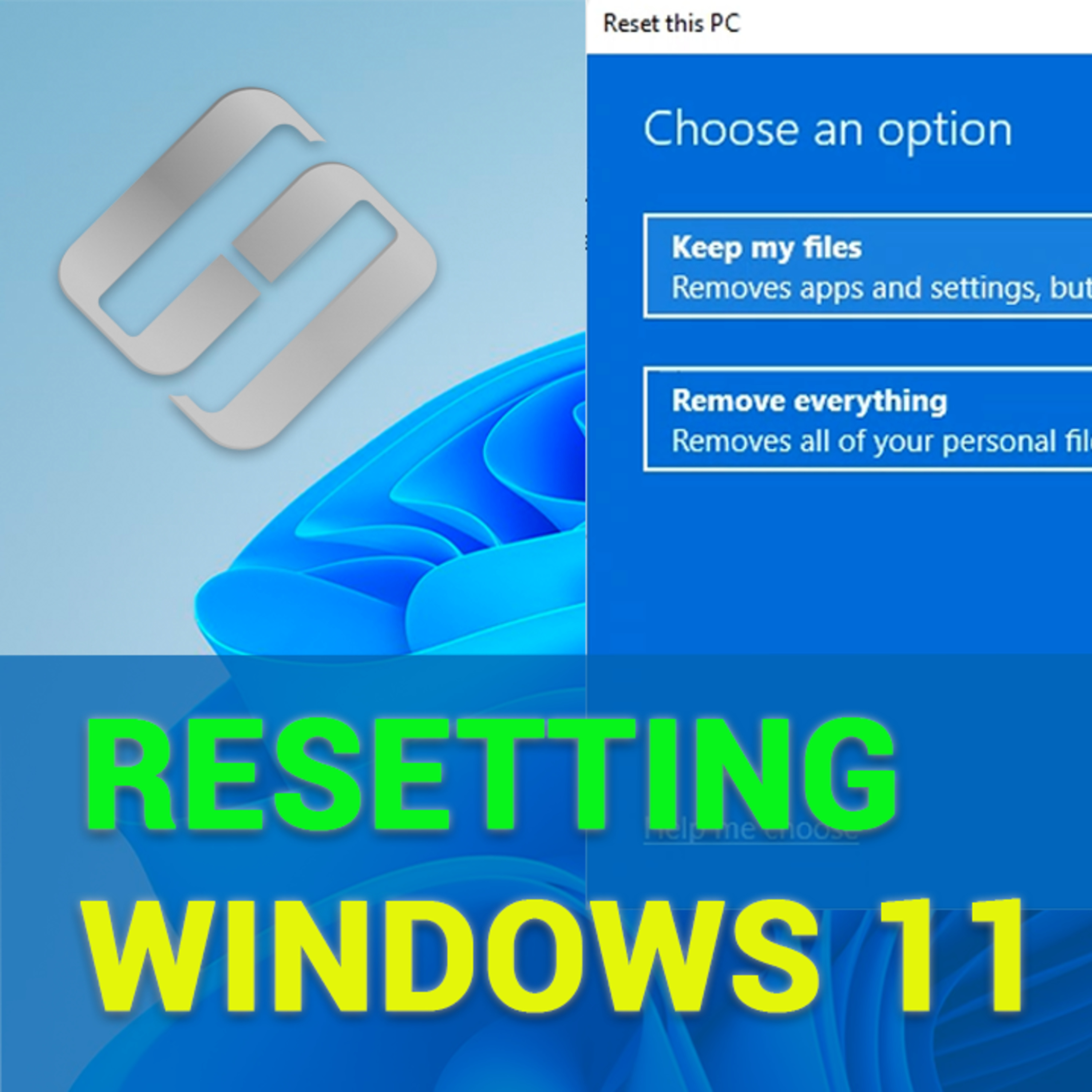
How to Recover Data After Resetting Windows 11
To find out how to recover data after resetting a Windows 11 computer to factory defaults, and How to reset Windows 111 to factory settings without losing data. Sometimes, when your computer is plagued by frequent errors and freezes, you have no other options left but to reset it to factory defaults. Reinstalling or resetting the computer's operating system can fix many different bugs and glitches, but it also means that all computer settings are restored to their default – or factory – values. What is worse, it can also remove important files and even all your data. Within a few minutes, I'll show you how to reset a Windows 11 computer safely and without risking your precious personal files. And even if worse comes to worst, you'll know how to recover data lost after an unsuccessful attempt at resetting or reinstalling an operating system or formatting a hard disk. Text version: https://hetmanrecovery.com/recovery_news/how-to-recover-data-after-resetting-windows-11-operating-system.htm Video version: https://youtu.be/SG3aq2dvPkc?si=QDsvr5GuYa8MWfcV
January 27, 202413 min
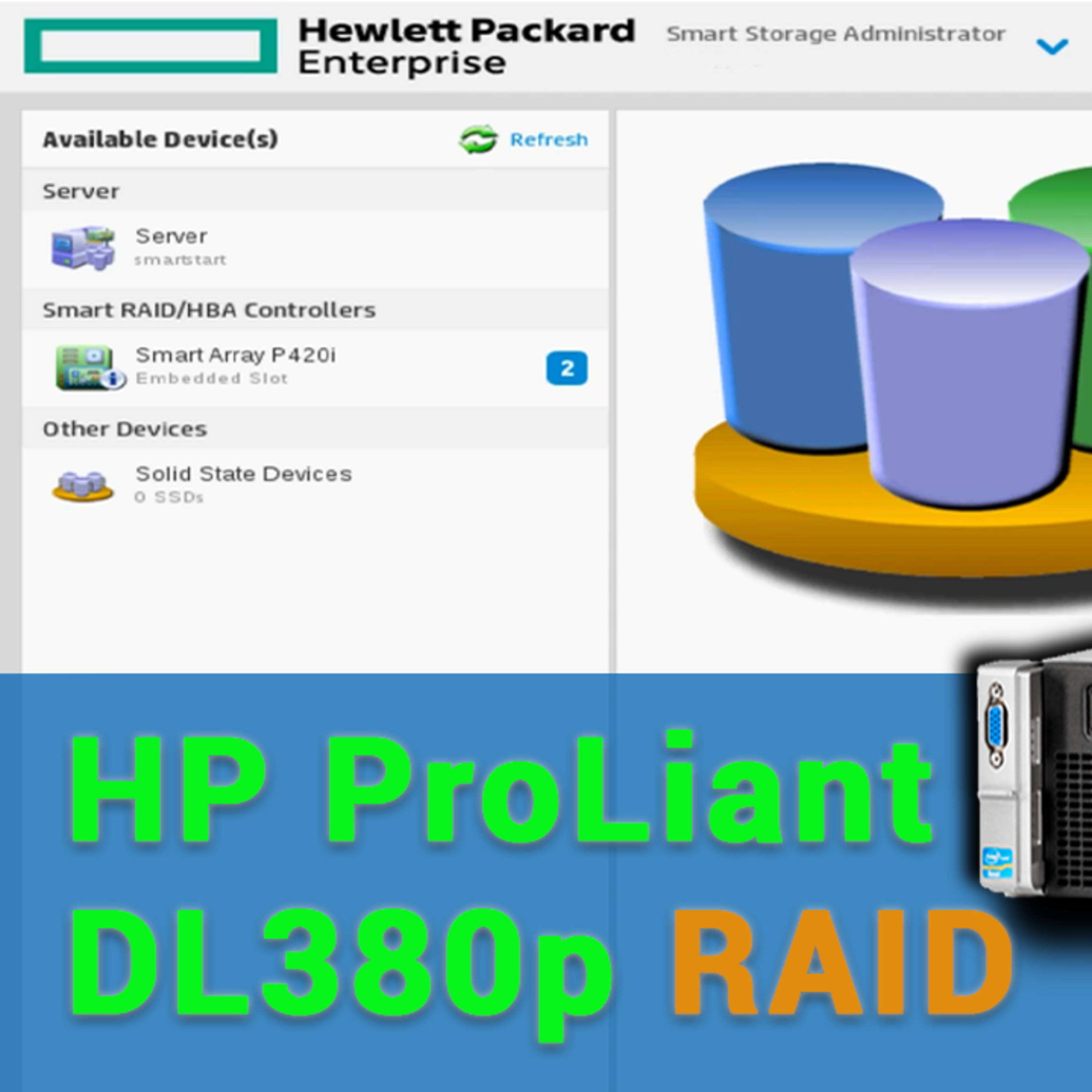
How to Recover Data from a RAID Array Based on Server HP ProLiant DL380p, with P410i Controller
To find out how to create and configure a RAID array based on server ProLiant DL380p G8 with the help of the integrated utility HP Smart Storage Administrator, and how to recover data from a damaged RAID system based on P410 controller. Text version: https://hetmanrecovery.com/recovery_news/how-to-recover-data-from-a-raid-array-of-an-hp-proliant-dl380p-server-p420i-controller.htm Video version: https://youtu.be/YtsYXEXP9qU?si=tIESyrEyvQ44LXvz
Is this your show?
Claim this listing to keep it up to date, reach guests who want to pitch you, and manage bookings with Guestify.