
October 21, 20268 min
Halloween Email Signature for Gmail: Free Templates, Sign Offs, Banners
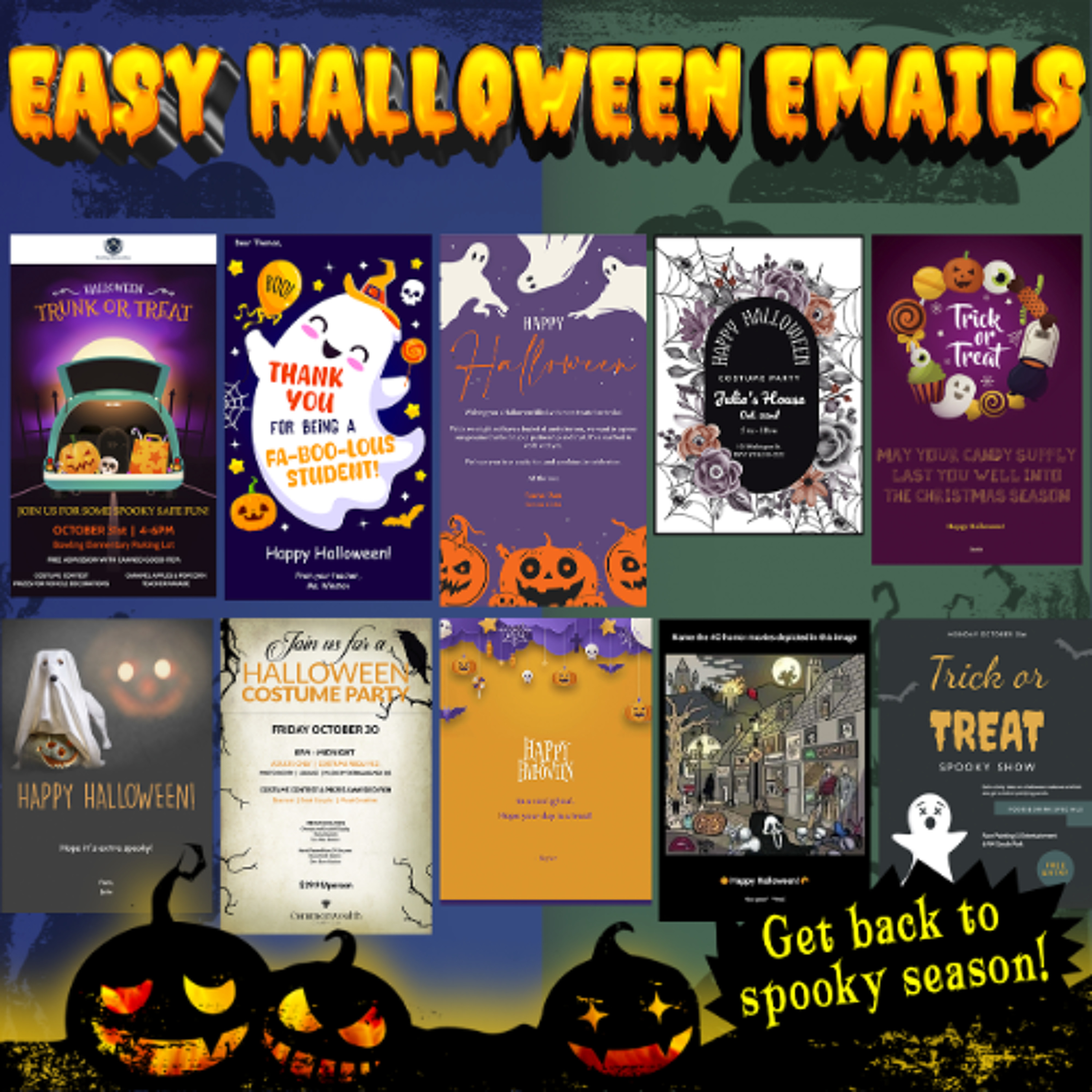
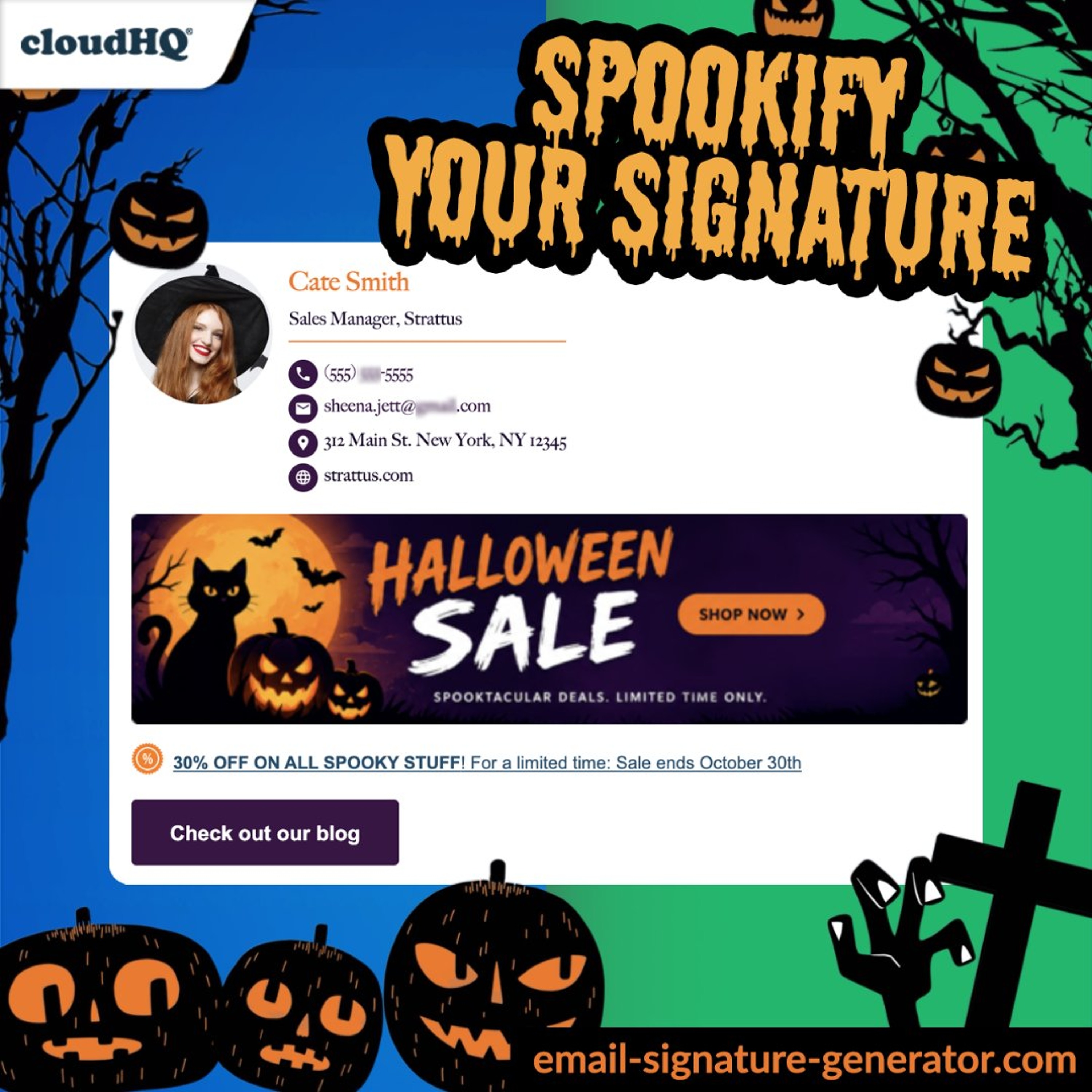
Set up a Halloween email signature in Gmail in about 30 seconds. This episode covers how to create one with the Email Signature Generator by cloudHQ, which templates suit sales teams, consultants, and lawyers, a few seasonal sign offs that don’t make people cringe, and how to use the banner to promote an offer without it getting ignored. Plus the numbers on why a branded signature earns trust, and how a Google Workspace admin can roll one out to the whole company in a single click. Read the full post: https://blog.cloudhq.net/halloween-email-signature/ Try it: https://www.email-signature-generator.com/ Watch the 39-second video: https://www.youtube.com/watch?v=MlNiIxSupik cloudHQ. Helping your productivity, one click at a time.